A polished, all-in-one dashboard for the Xeneon Edge — and any browser on Windows. Monitor, control media & audio, talk to a built-in AI, drive your RGB. Everything runs 100% locally.
This is not a video and not a screenshot — it's a live slice of the dashboard running in this page. Mute the mic. Skip the track. Press the Deck keys, and watch the lights follow.
Every tile you just touched is a real widget in Xenon — with live data from your machine, your music, your lights. This page is only the trailer.
Modular and glanceable — tuned for a touchscreen, flawless with a mouse. Every tile, page, and effect is yours to arrange.
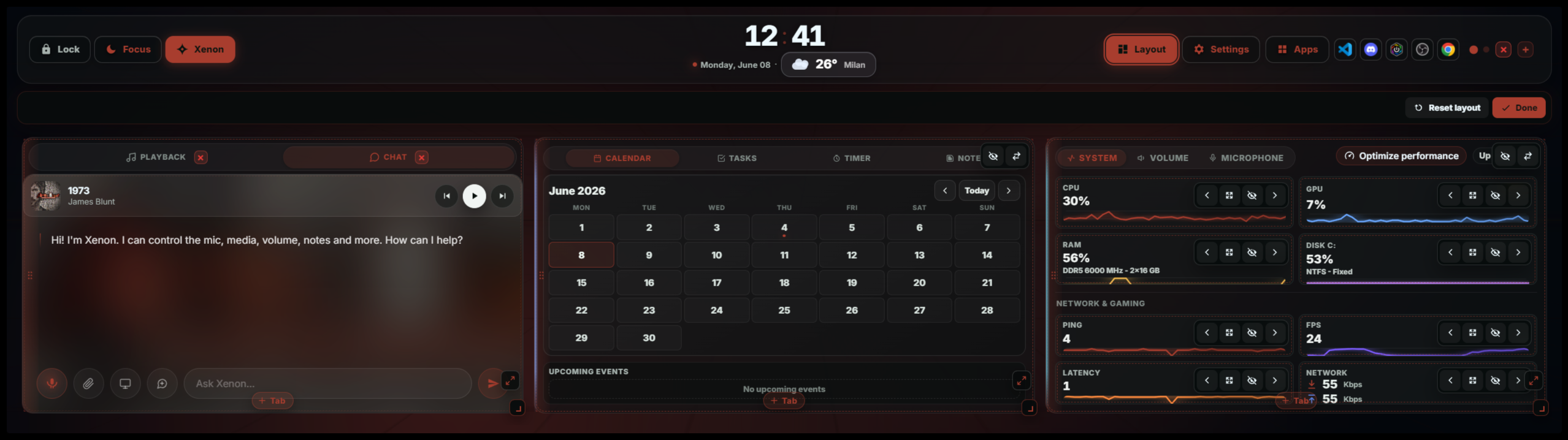
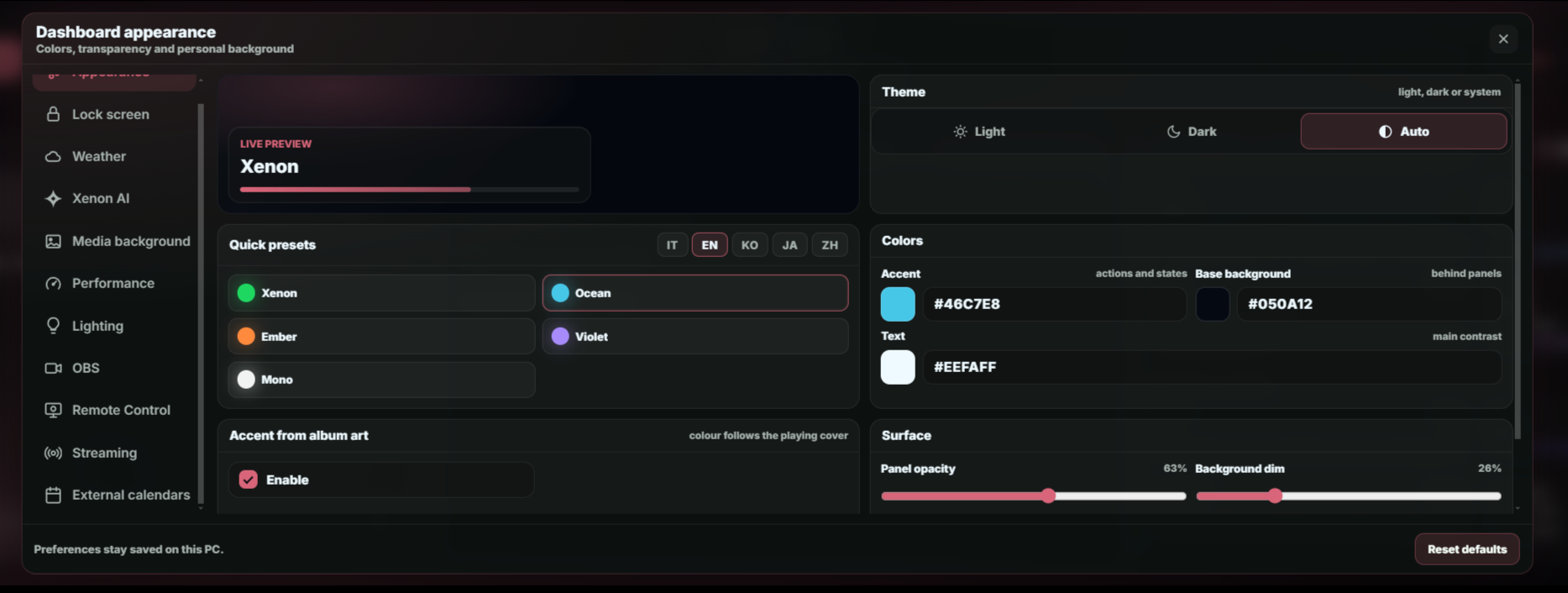
Drag, drop, resize, tab-group, and duplicate widgets across up to 8 pages. A Liquid-Glass redesign with ambient backgrounds and Light / Dark / Auto themes.
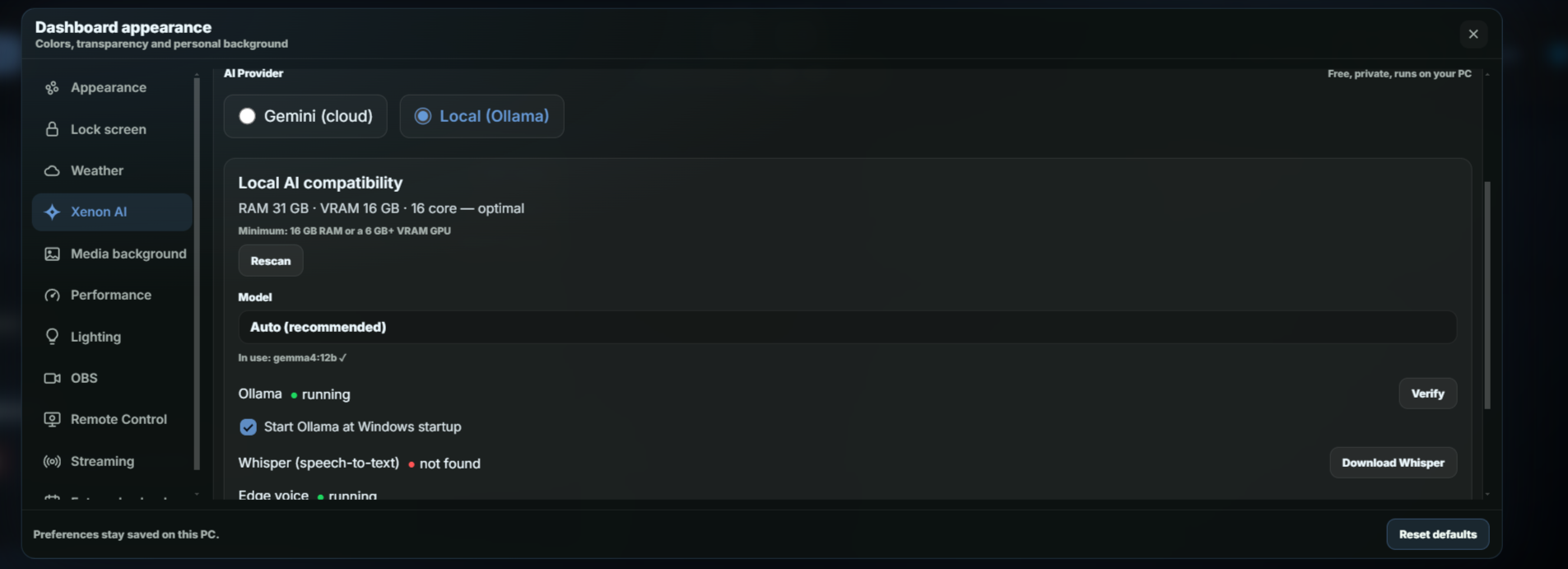
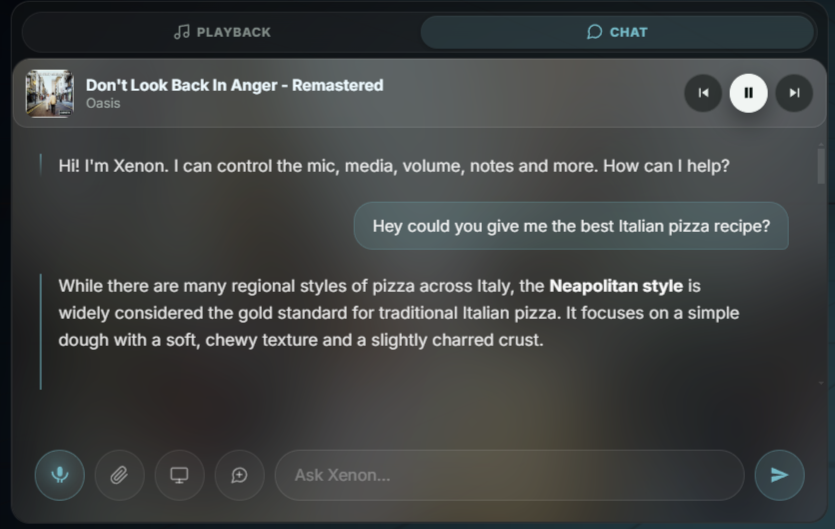
An assistant that can drive the entire dashboard by voice — and even build a dashboard page for you on request (Genesis). Runs on Google Gemini, or a fully free local provider — Ollama, Whisper, neural TTS — all on your machine.
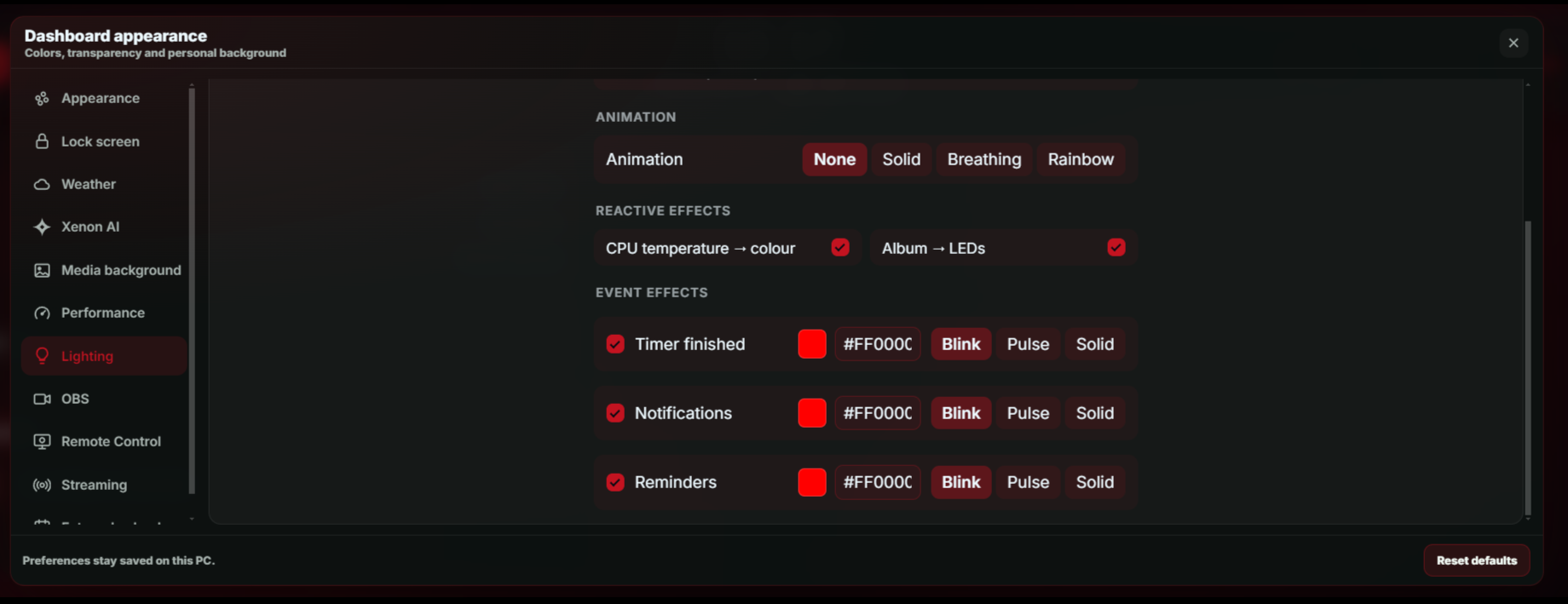
Drive your Corsair / iCUE LEDs from CPU temperature, timers, album art and more — coexisting with iCUE, plus network lights: Govee, LIFX, WLED, Philips Hue and Nanoleaf. Local, key-free. Off by default, lightweight always.
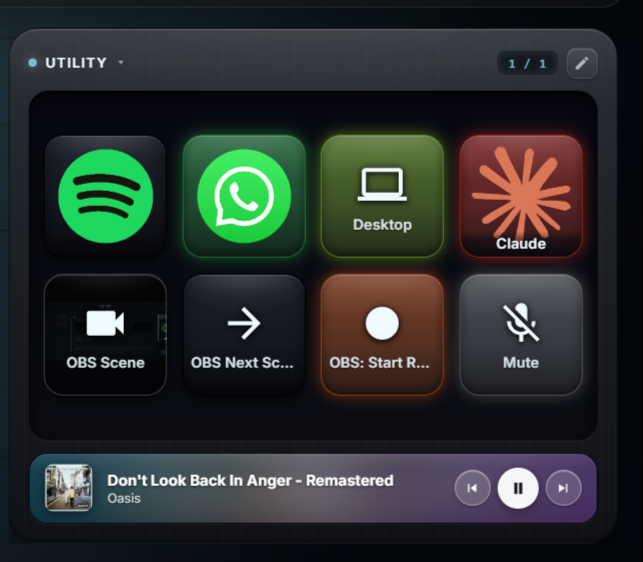
A programmable key grid: launch apps, control media & OBS, fire hotkeys and webhooks, play sounds, or talk to the AI — with folders, multi-action sequences and per-key RGB reactions.
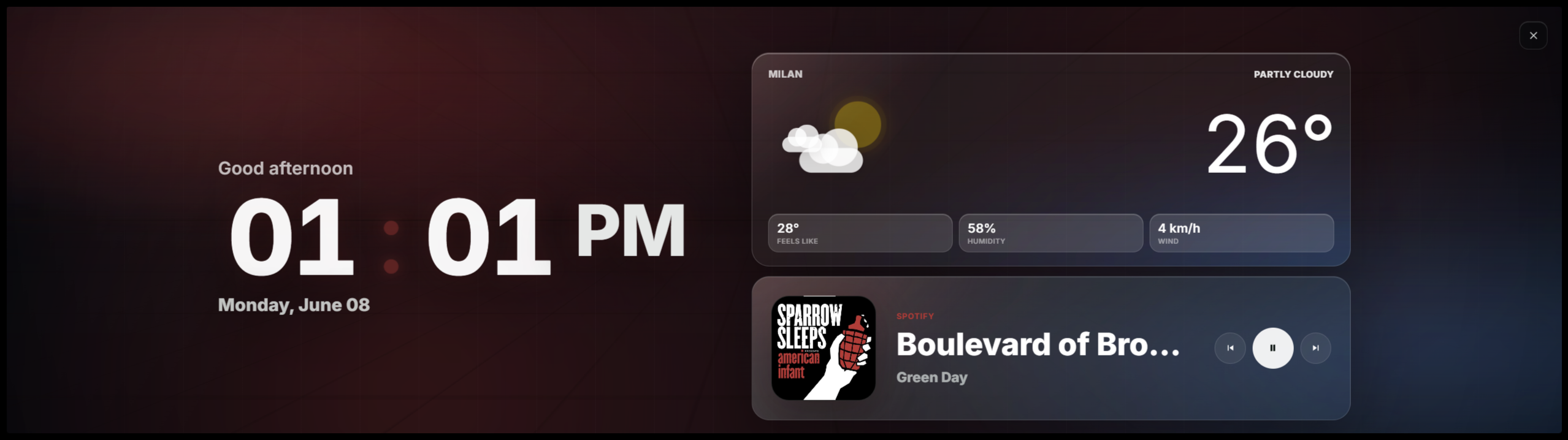
A distraction-free overlay with an animated clock, now-playing, your next events and the weather — one tap away when you need to lock in.
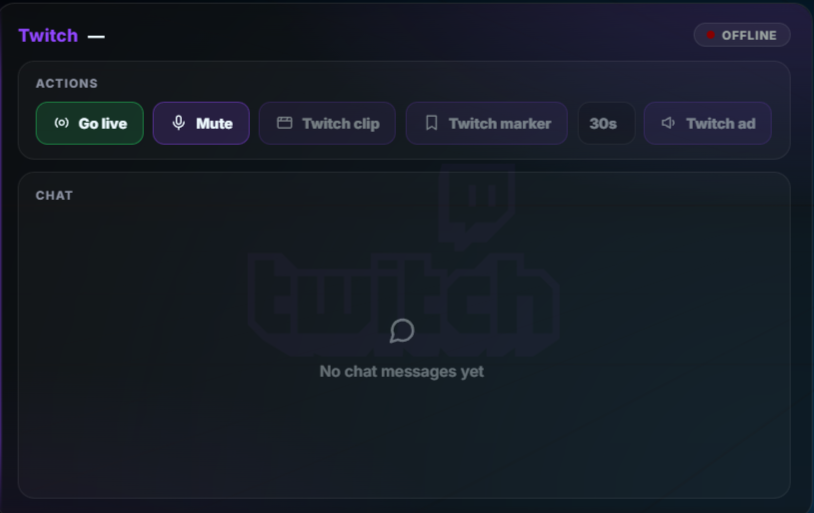
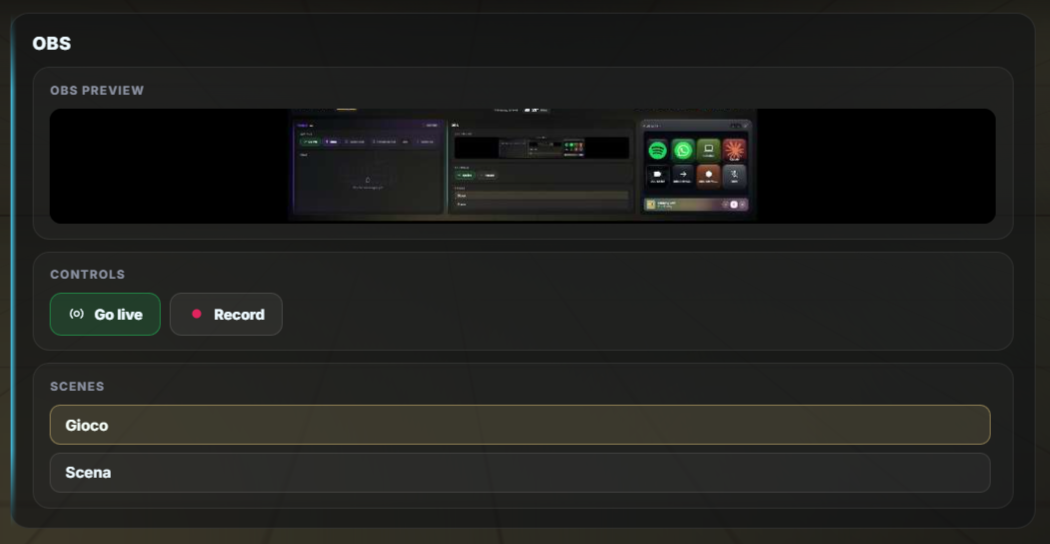
Twitch, YouTube and OBS widgets — live status, viewers, an editable title, built-in chat, scene switching and one-tap go-live — wired to Deck keys for clips, markers, ads and record.
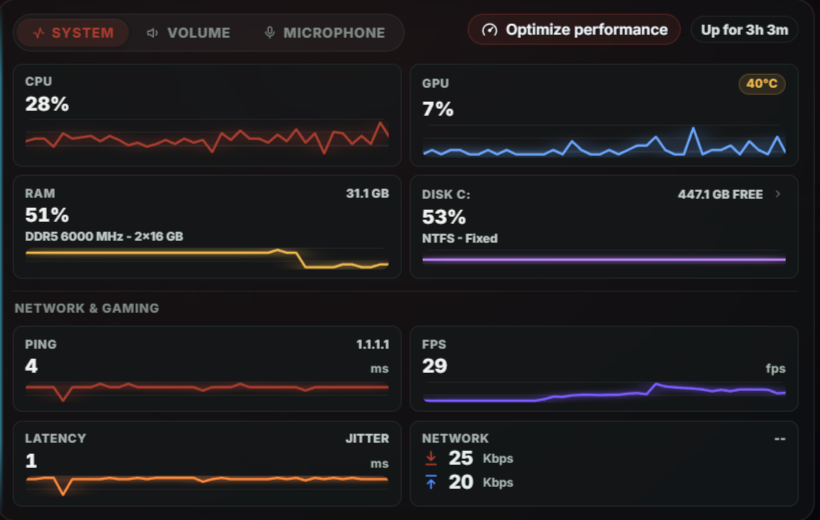
CPU, GPU, RAM, disks, throughput, ping — and real in-game FPS via PresentMon.
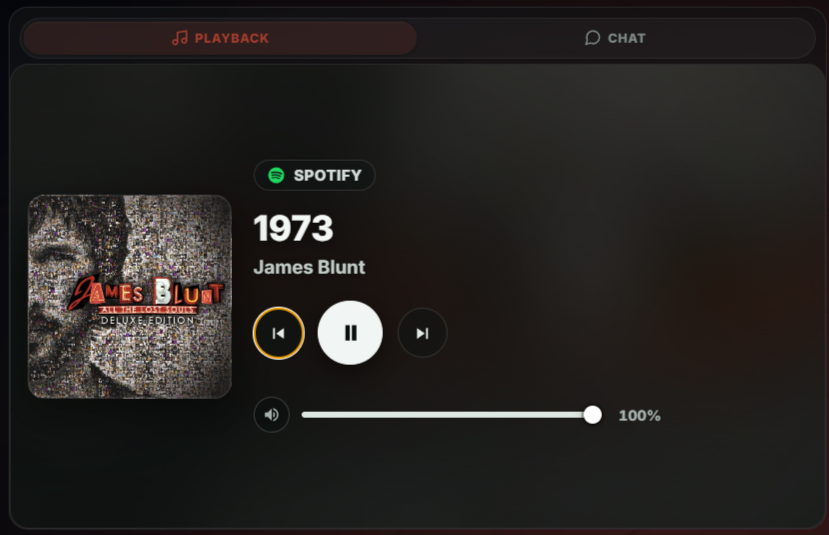
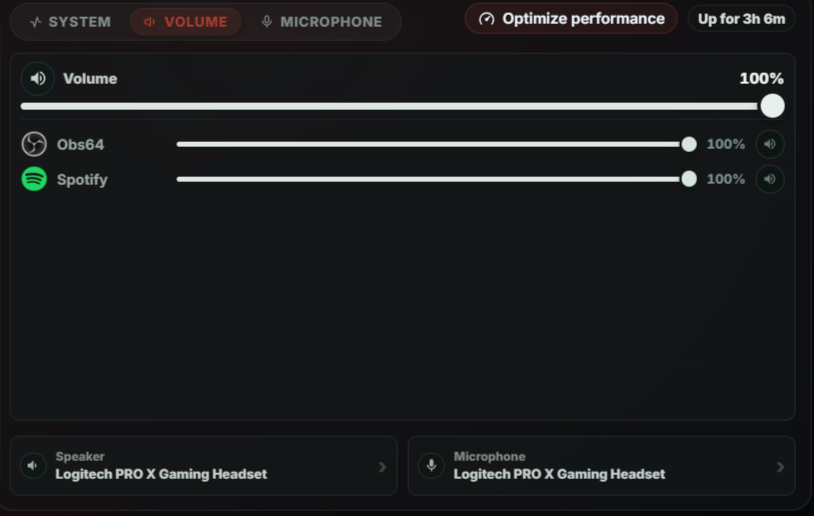
Now-playing from any app, album art, device pickers, and a per-app mixer.
One-tap mute, live level meter, device picker, and a per-app mic mixer.
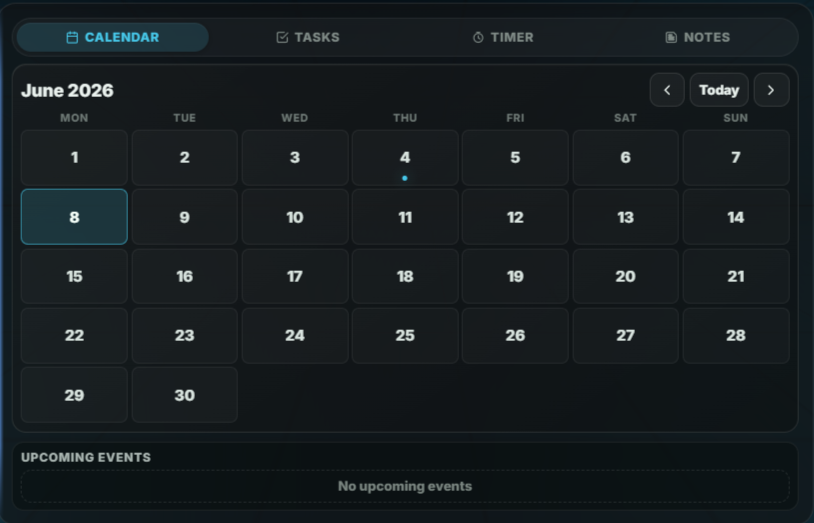
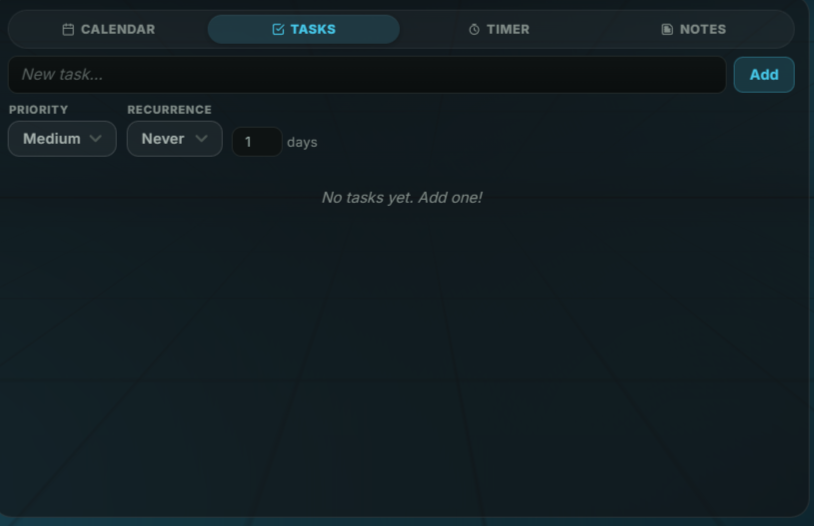
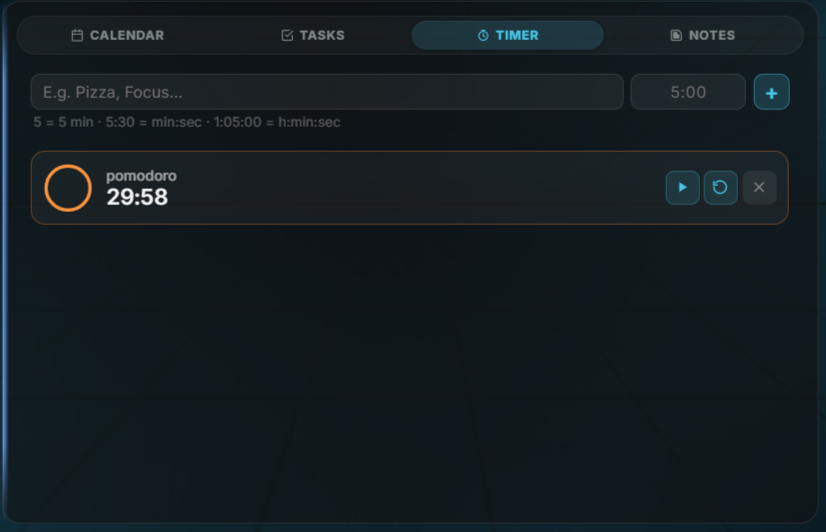
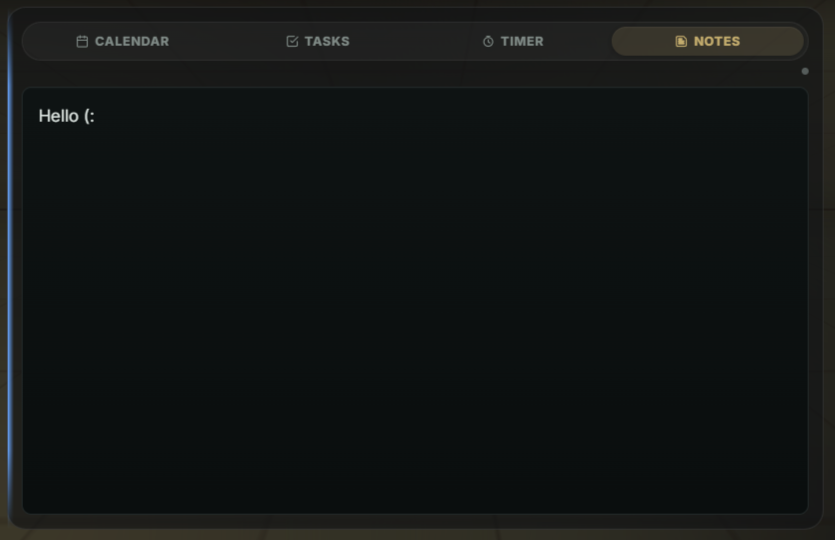
Calendar with Outlook / Google .ics sync, tasks, countdown timers, and notes.
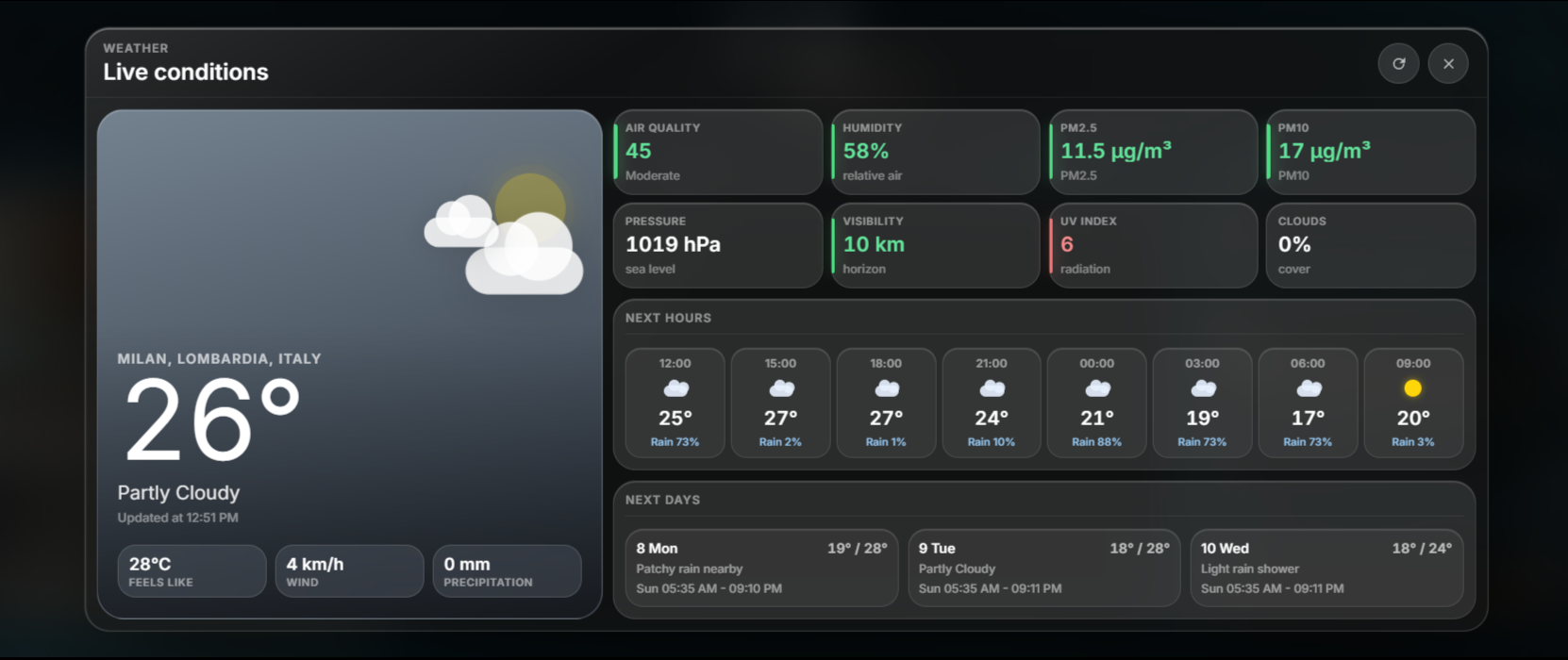
Current conditions, a 3-day forecast and an 8-hour hourly timeline.
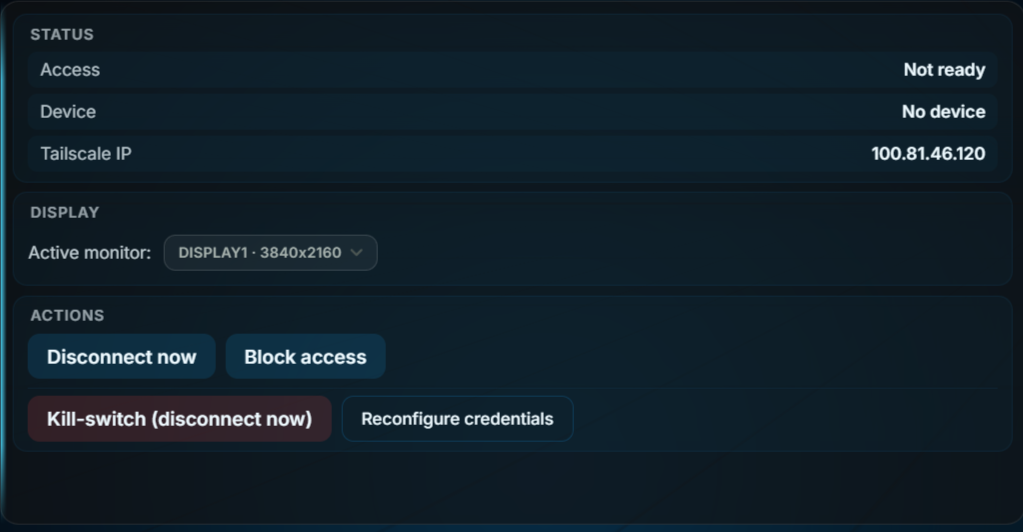
Turn your phone into a remote — Sunshine + Tailscale + Moonlight, orchestrated for you.
Genesis builds dashboard pages on request; plus Game Companion, Guardian health history (with viewable trend charts) and proactive presence — all opt-in.
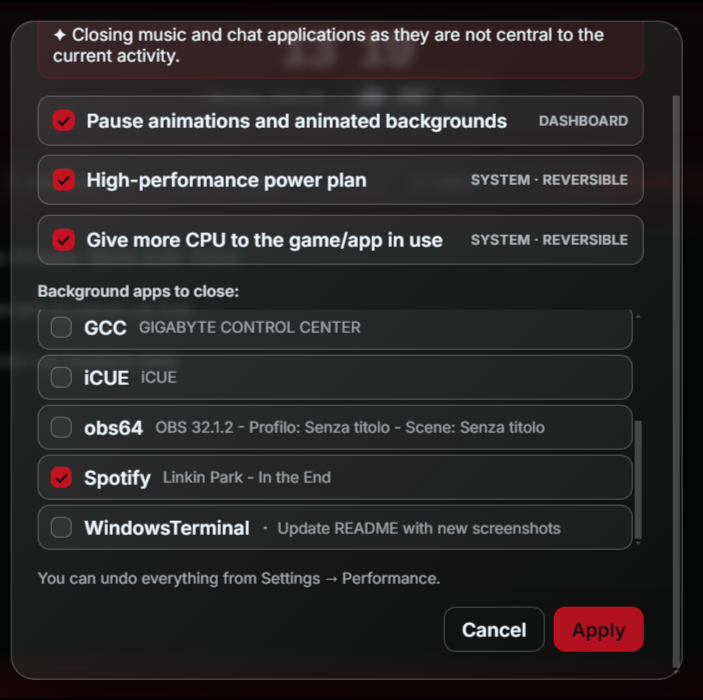
Game mode auto-pauses ambient effects in full-screen play; on-demand, fully reversible system optimization.
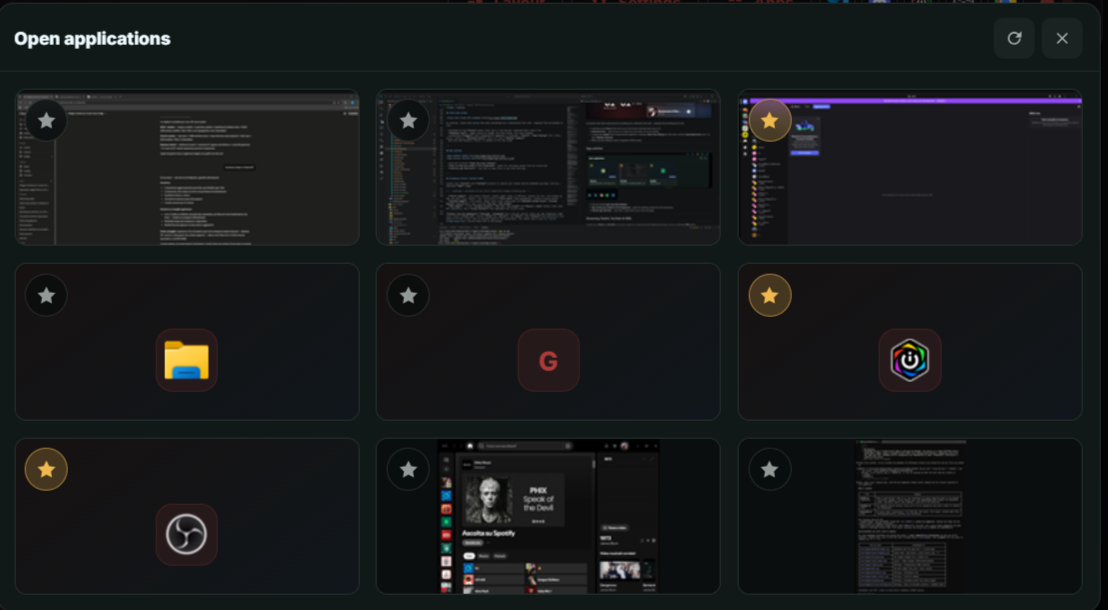
Every open window at a glance — tap to focus — with favourite app shortcuts.
A real, interactive web page inside the dashboard — tap, scroll and type. Works even with sites that refuse to be framed.
A genuine extra Windows desktop inside a tile — drag apps onto it and control it by touch. One-click virtual-display setup.
See what’s new in a polished dialog and update in one click — download, verify and restart, with your data preserved.
Real screenshots, no mockups. Drag the strip, tap a frame to inspect it full-size.

Xenon is a tiny local Node server. Your data never leaves the machine it runs on.
Download, double-click, done. The installer handles Node, dependencies and the startup task for you.
Ninety seconds on the real Xeneon Edge — touch, voice and light, uncut.
A gallery to publish and download dashboard pages, Deck profiles and themes made by the community — browse, grab a layout you like, make it yours in one tap.
Xenon is free, and always will be. These are the people whose coffees keep it growing — thank you.
Free, open, 100% local. If Xenon makes your day smoother, a coffee keeps it going. ☕